A familiar desktop
A graphical desktop for opening applications, organising files and using the computer day to day. La Tieta’s work includes the desktop experience, installation and startup—not just a different wallpaper.

Pre-launch · Active development
An operating system in development for everyday computing, with privacy and family protection as project priorities — built and tested on real hardware.
Developed by NORTHWAKE LLC.
La Tieta Protect is in active development and is not yet a finished release. Product name, branding, interface, features, compatibility and specifications may change before release.
La Tieta Protect is a Linux-based desktop operating system being developed for everyday computing and shared family computers. It brings the desktop, installation experience, family controls and system-care tools together in one project.
A graphical desktop for opening applications, organising files and using the computer day to day. La Tieta’s work includes the desktop experience, installation and startup—not just a different wallpaper.
Adult and child profiles are part of the operating-system work. Development includes separate time allowances for general use and entertainment, with controls managed locally on the computer.
System Reports provides a view of the installed system and hardware. Storage-space warnings are also built into current development versions, to bring low free space to the user’s attention.
The recordings below show real La Tieta Protect development builds running on physical hardware. They are not mock-ups.
La Tieta Protect development builds on Dell Latitude 5480, MacBook4,1 — Early 2008 and Prixton FLEX3600.
Candidate builds move through automated gates and physical checks. Testing covers boot and installation behaviour, system services, hardware behaviour and project-specific functionality on real computers. When a regression is found, that candidate is rejected; the issue is corrected and the affected checks are run again.
Pre-release testing reduces risk; it does not mean the software is error-free or compatible with every computer.
La Tieta Protect runs on the three computers shown below. These photographs show the actual machines and their System Reports screens, alongside the individual demonstrations above.
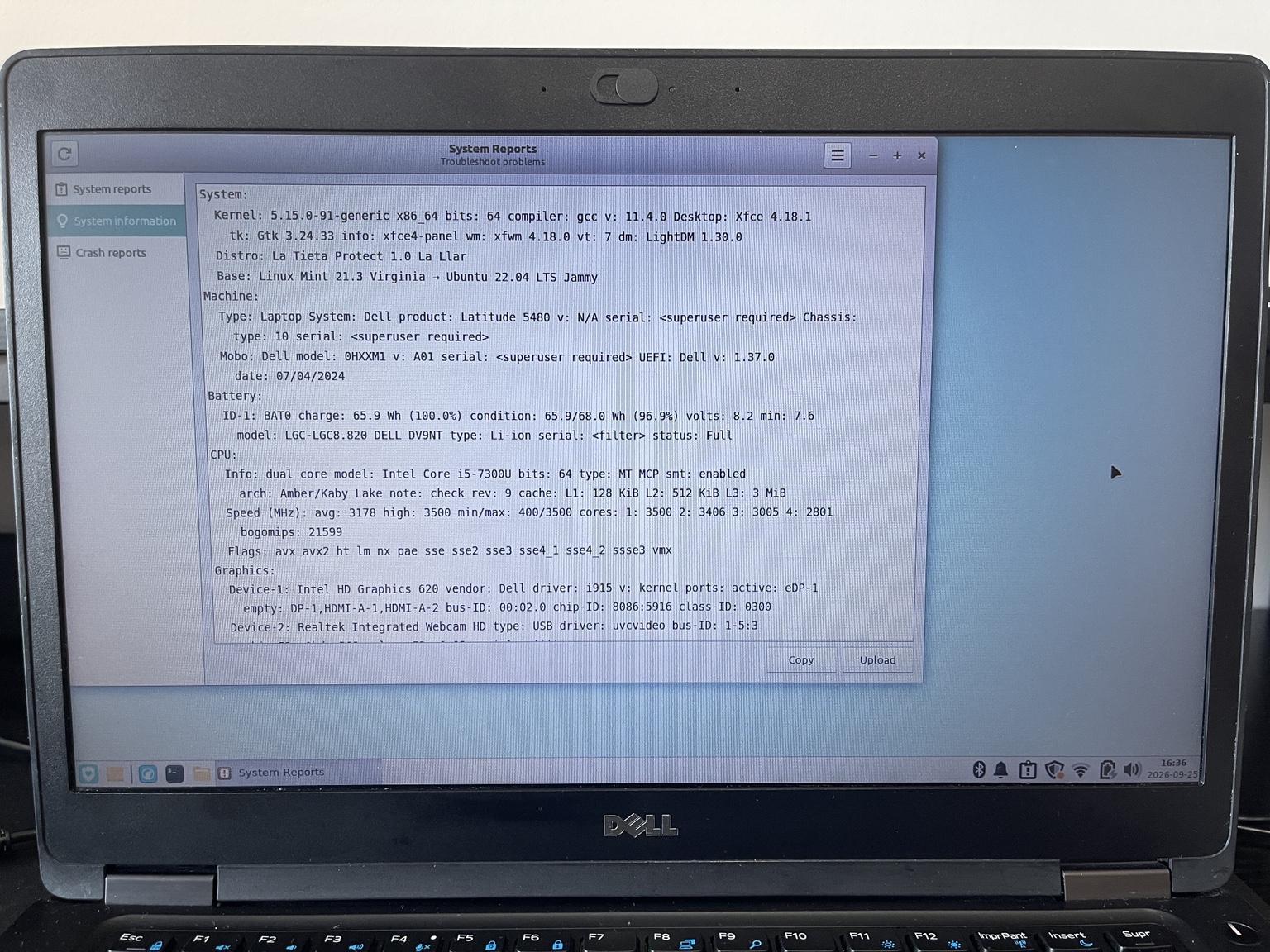
La Tieta Protect runs on this Dell Latitude 5480, used for everyday project work and physical boot, installation and system testing. Its Intel 8265 Wi-Fi has also been tested.
Dell Latitude 5480 used in physical La Tieta Protect development and testing.
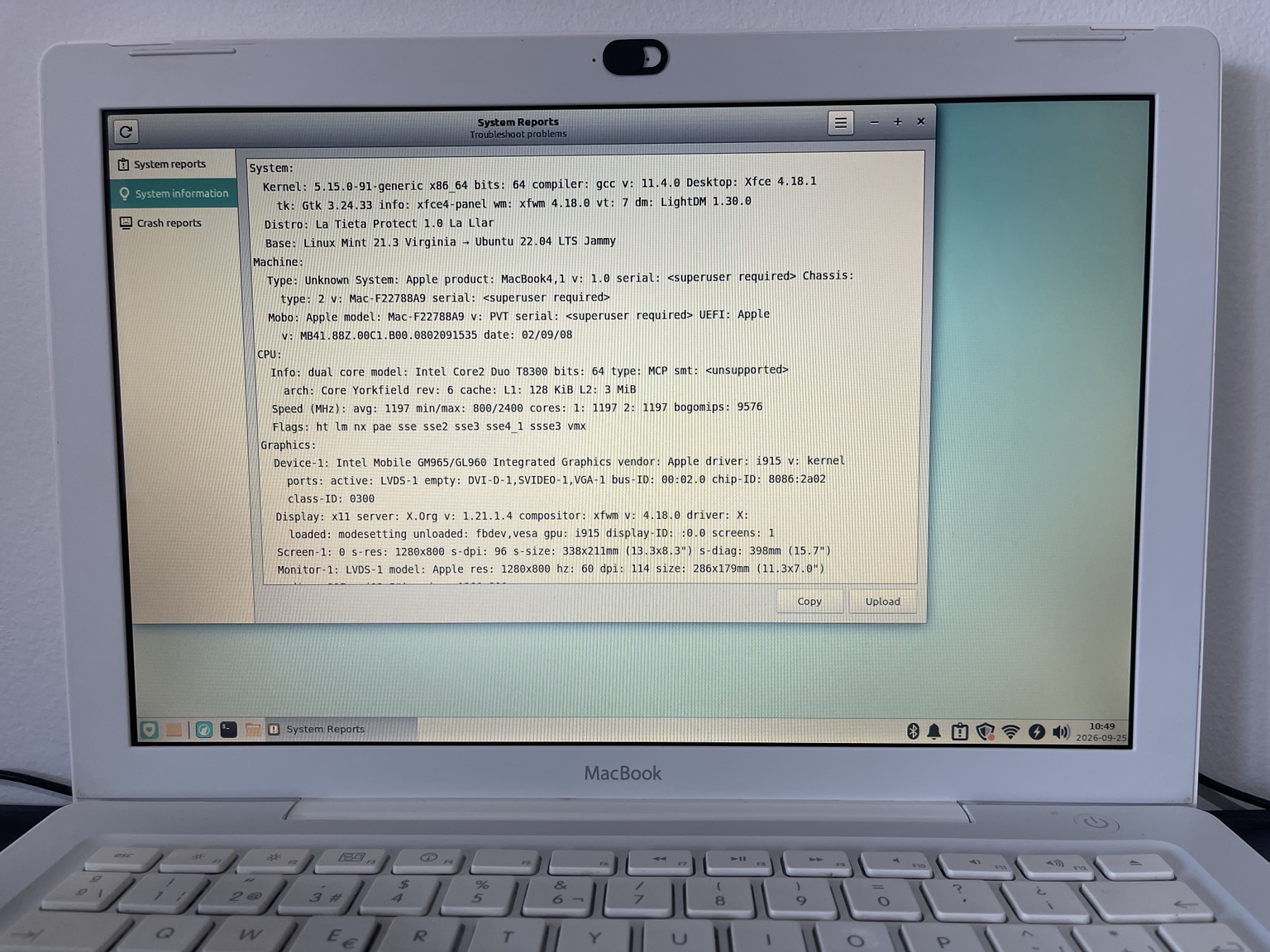
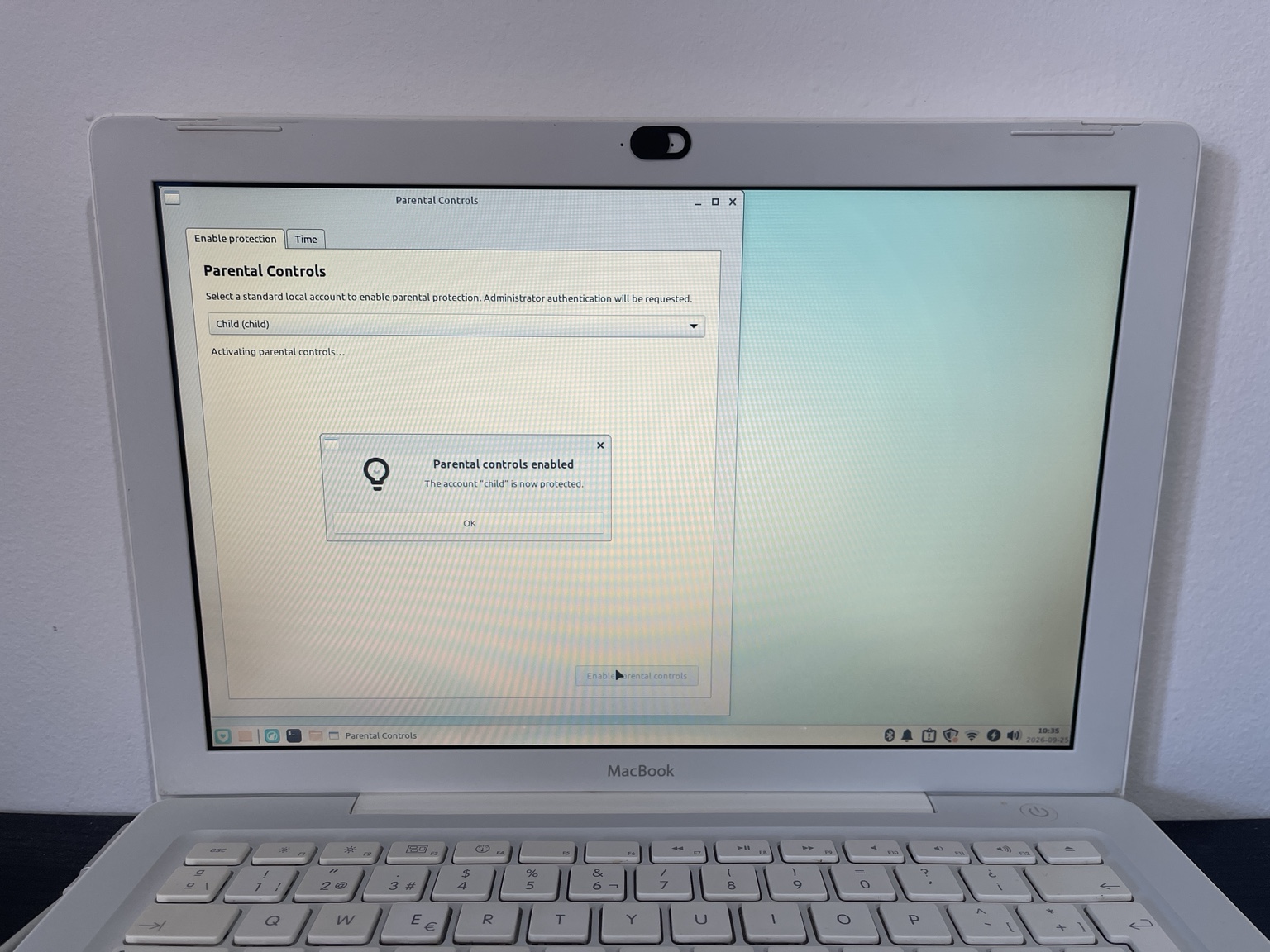
La Tieta Protect runs on this MacBook4,1 from Early 2008. The photographs and video show the system on the physical MacBook; its Broadcom Wi-Fi has also been tested.
La Tieta Protect running on the MacBook4,1 — Early 2008.
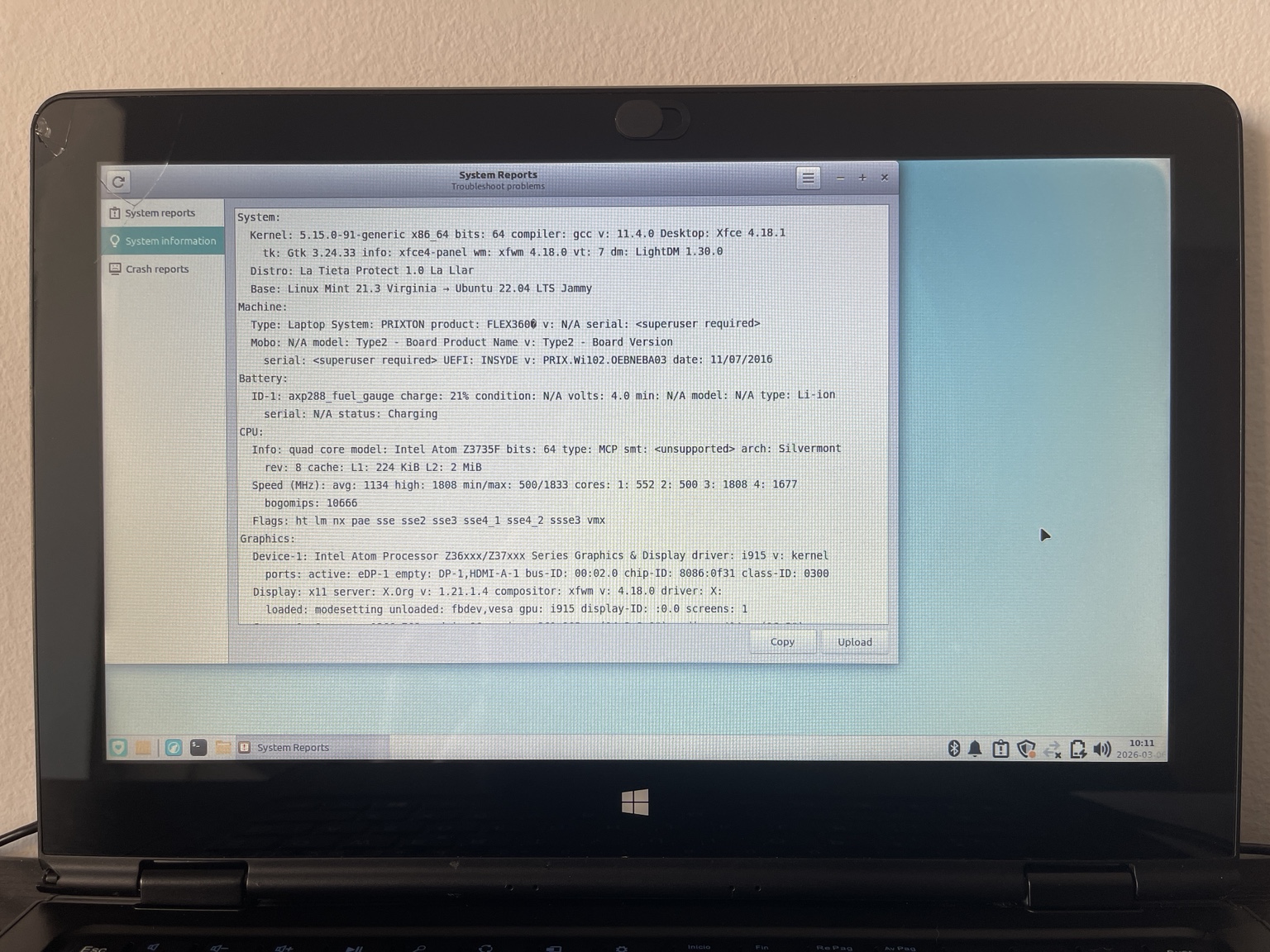
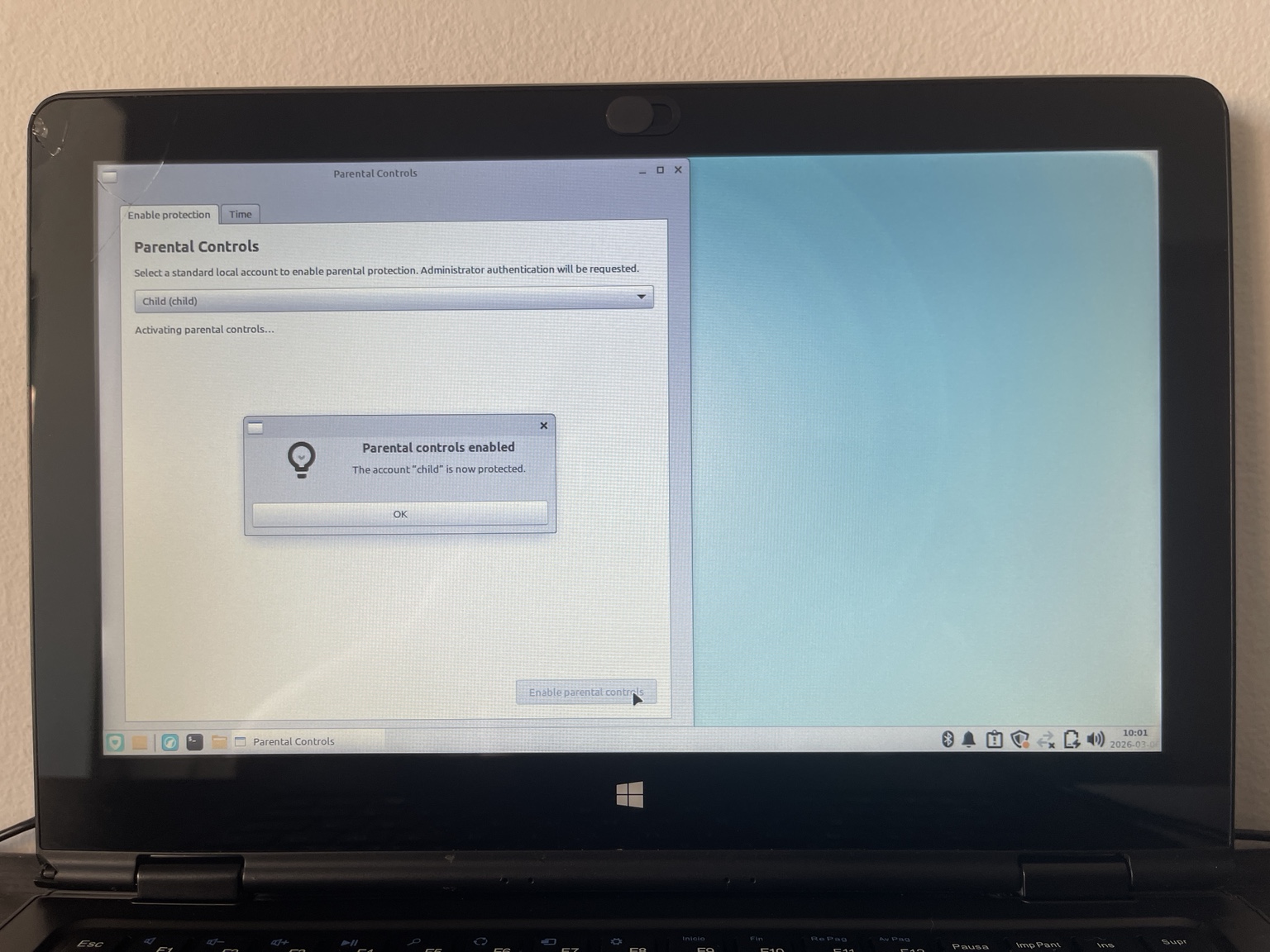
La Tieta Protect runs on this Prixton computer. During development, the boot process was adapted in response to an issue encountered on this hardware.
La Tieta Protect running on Prixton hardware used during development.
Family protection is part of La Tieta Protect’s operating-system development, with separate adult and child profiles and controls managed on the computer. Current development builds are checked in real sessions configured for adult and child profiles, as well as through automated tests.
Development versions distinguish general computer use from entertainment, so the two can have separate time allowances.
Extra time granted through the controls is retained rather than disappearing when a session restarts.
The system’s entertainment-time controls also cover managed entertainment applications that are already open when their time runs out.
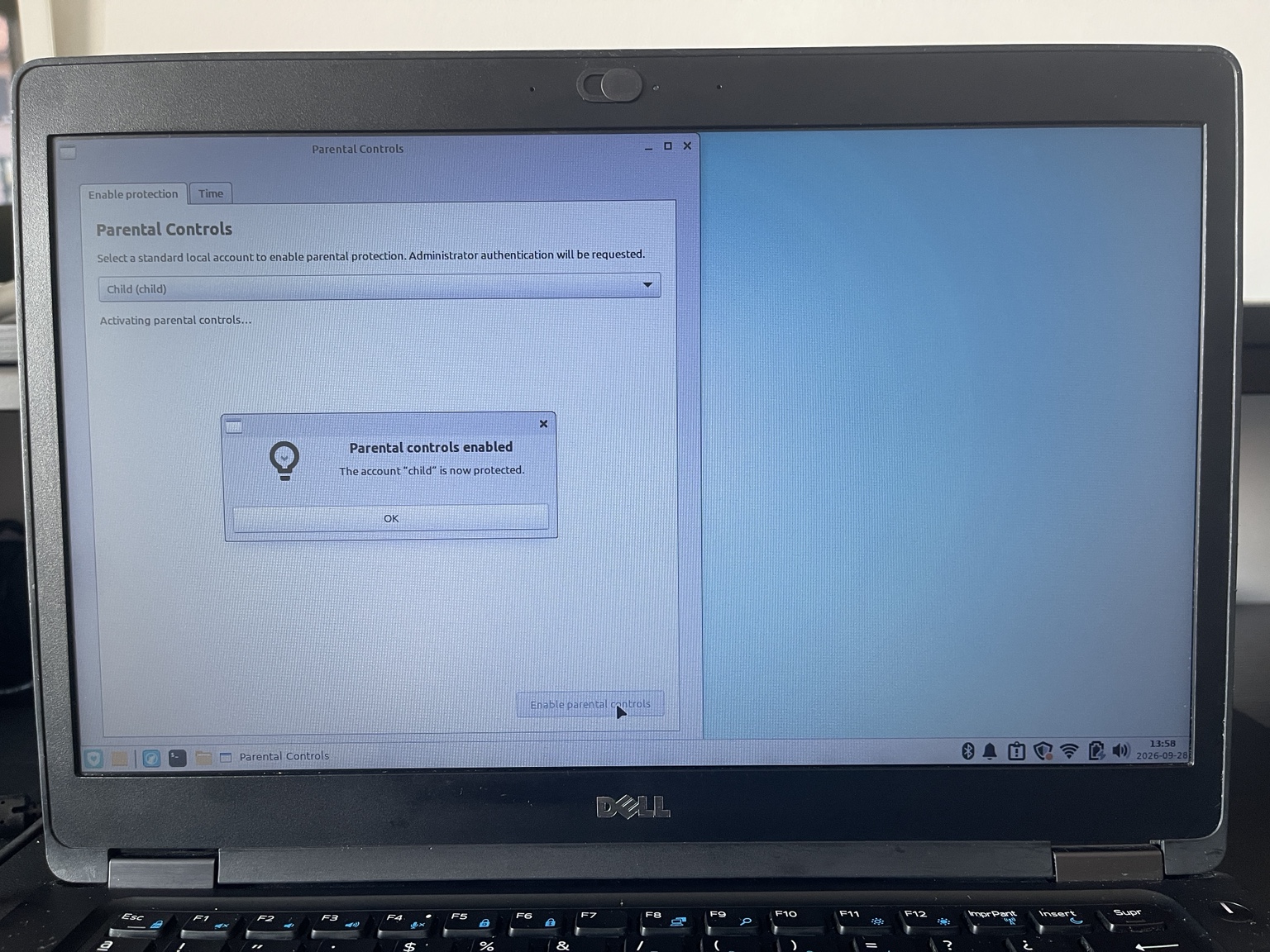
The photographs below show the Parental Controls interface on each computer. They are interface demonstrations, not demonstrations of every time-control behaviour described above.
La Tieta Protect is developed by NORTHWAKE LLC. This pre-launch page exists so providers, licensors and other third parties can verify the project and understand its current development status.
Are you a provider, licensor or other third party evaluating the project?
Contact NORTHWAKE LLC for project, licensing or technical-verification enquiries.
Contact the project teamThis is a project-enquiry channel, not an order, download or end-user support channel.